
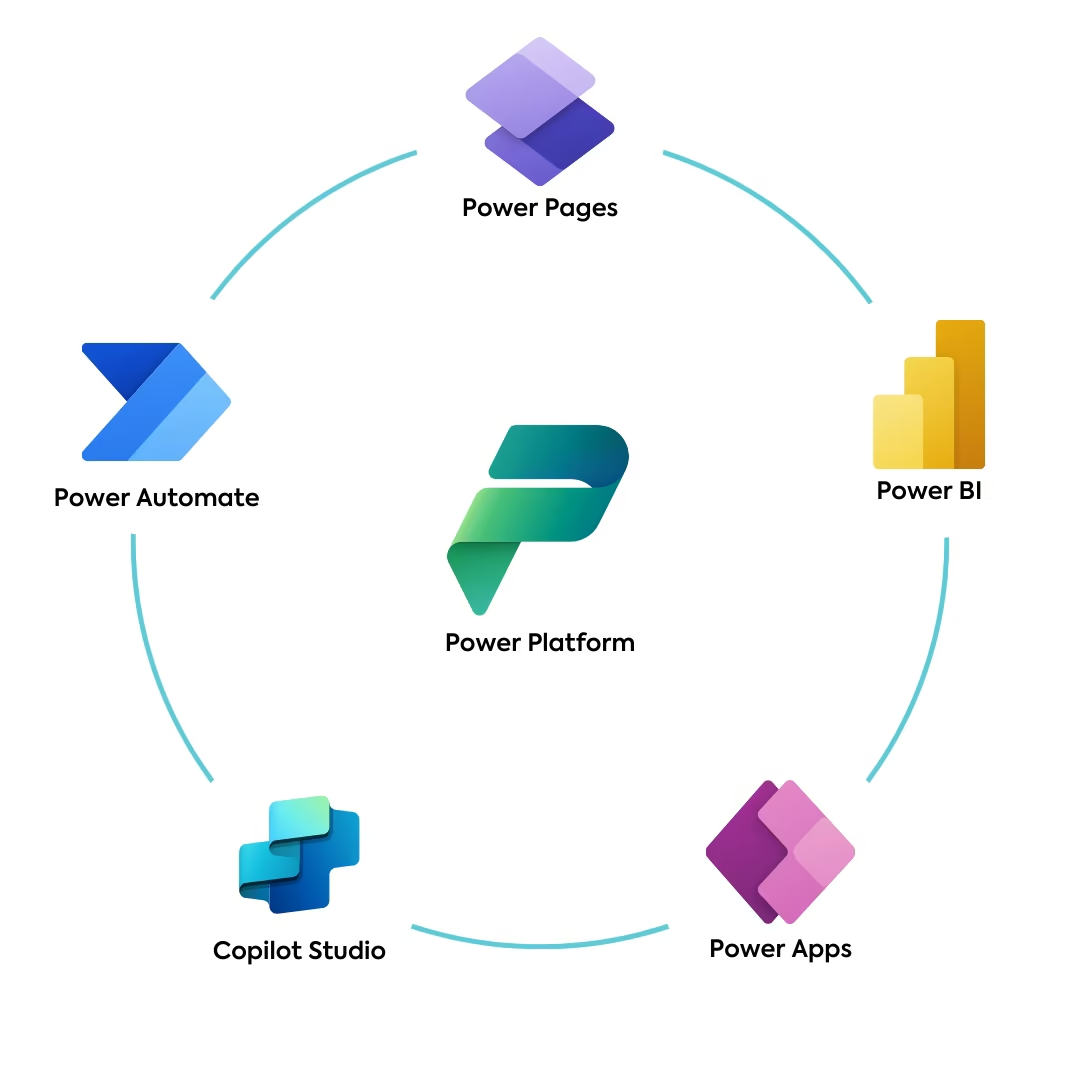
In an environment that requires constant adaptation, the ability to rapidly build applications, automate processes, and analyze data becomes crucial.
Microsoft Power Platform is a suite of “low-code” tools designed as a bridge between business ideas and technical execution. This platform empowers both business users and professional IT teams to collaborate more effectively, drastically shortening the time needed for solution development and implementation.
Power Apps
Power Apps is an environment for the rapid development of custom business applications that run on the web and mobile devices. Its core strength lies in hundreds of pre-built connectors that enable secure connections to data, regardless of where it resides. Applications can connect to cloud services (like Microsoft 365, Dynamics 365, Salesforce) or to on-premise servers (via an “on-premise data gateway”), thus unifying data from various sources.
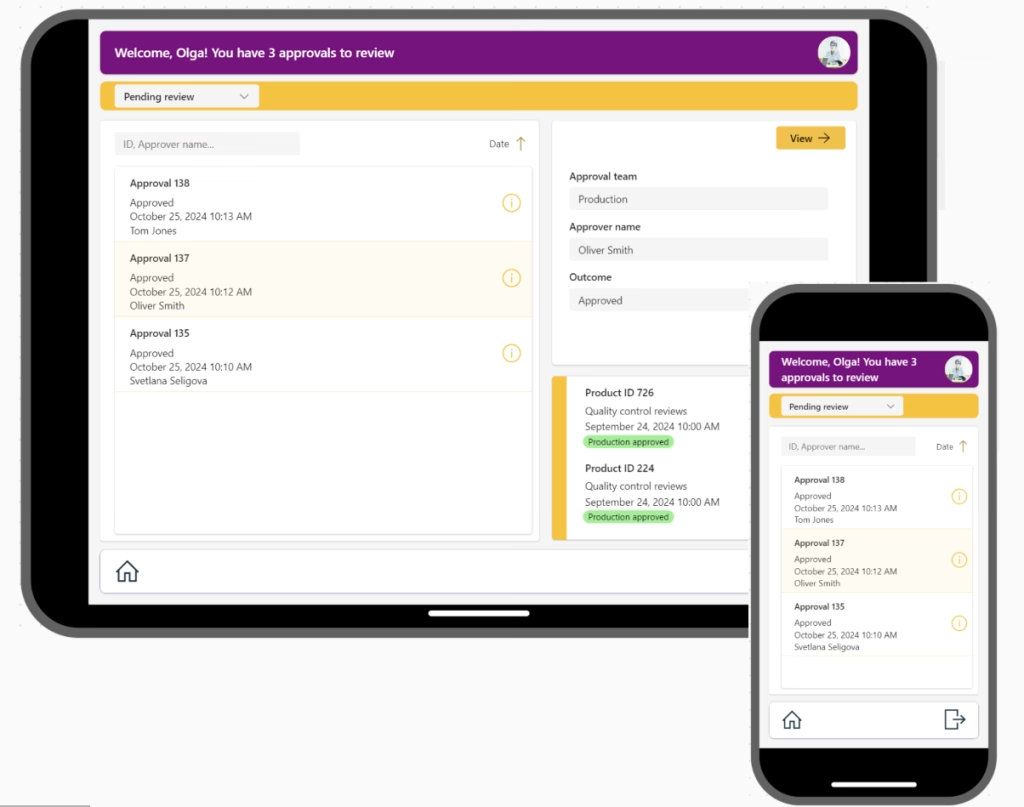
Power Apps offers two main approaches:
- Canvas Apps: These provide complete creative freedom. You start with a “blank canvas” and design the user interface (UI) exactly as you wish, which is ideal for specific tasks like field service apps, inventory lists, or issue reporting tools.
- Model-driven Apps: This approach is data-centric. Instead of designing the interface, you define the data model (in Microsoft Dataverse), business rules, and processes. The app is then largely auto-generated, providing a rich, responsive interface ideal for more complex, end-to-end processes like customer relationship management (CRM) or operations management.
Power Automate
Power Automate (formerly Flow) is responsible for business process automation. This versatile tool goes beyond simple task automation; it acts as the glue that connects hundreds of different applications and services, triggering workflows based on triggers and actions.
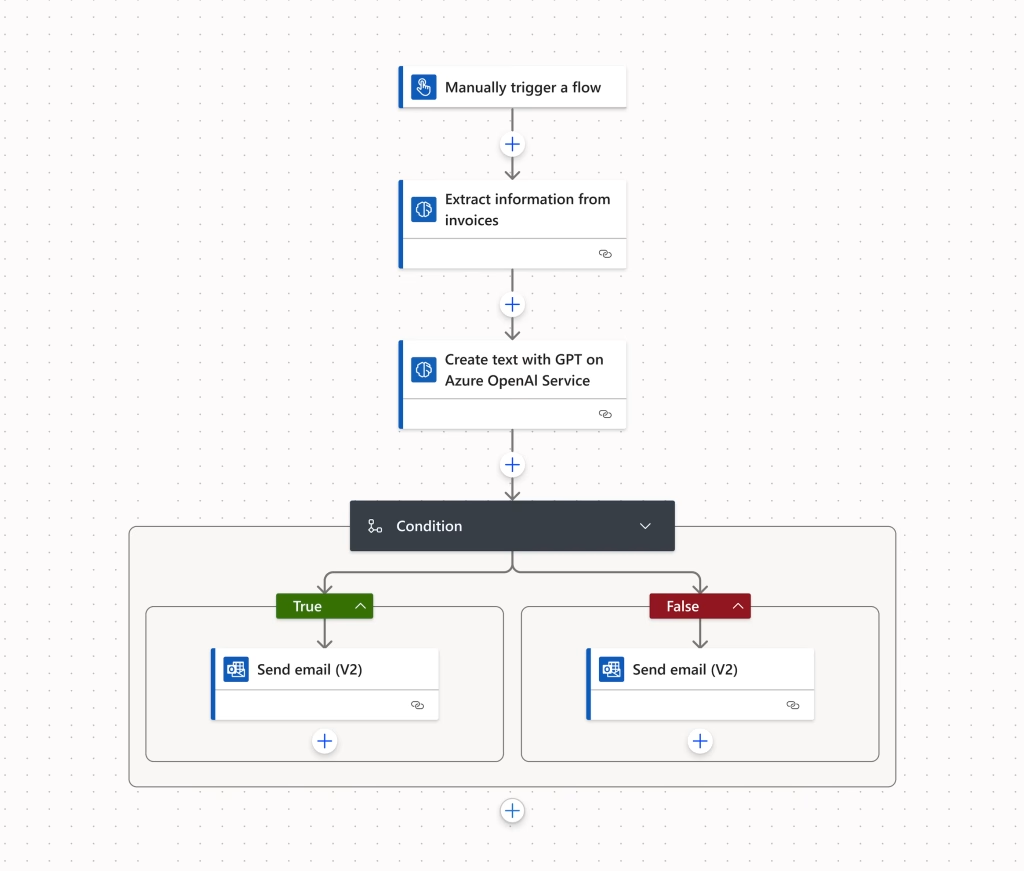
Its capabilities are multi-layered:
- Cloud flows (DPA): The most common type, where a trigger in one cloud application (e.g., “A new email arrives in Outlook” or “A new row is added to a SharePoint list”) initiates a series of actions (e.g., “Read the attachment, save it to OneDrive, and send a Teams message”).
- Desktop flows (RPA): When cloud flows aren’t enough because the target application lacks an API, Robotic Process Automation comes into play. Power Automate can record and replicate human interactions (mouse clicks, keyboard input) on desktop applications, enabling the automation of even the most outdated legacy systems.
- Business Process Flows (BPF): This is a visual guide that leads users (within Power Apps or Dynamics applications) through defined stages and steps of a business process, ensuring that key steps are not skipped and that data is entered consistently.
Power BI
No modern business platform is complete without powerful analytics. Power BI is an industry-leading tool that transforms raw data, often scattered across dozens of different systems (Excel spreadsheets, SQL databases, web services, ERP systems), into coherent, interactive, and visually impressive dashboards and reports.
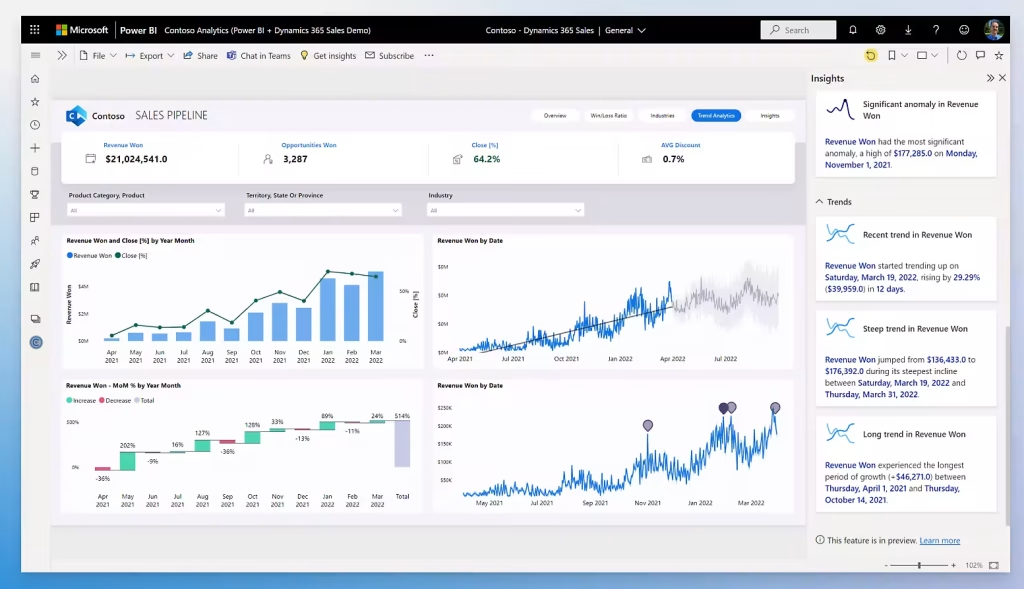
ts true value isn’t just in the “pretty charts,” but in its ability to provide a single source of truth about the business in real-time.
Power BI allows users to explore data themselves, ask questions in natural language (via Natural Language Queries, e.g., “Show sales by region for Q2 2025?”), and receive an immediate graphical answer. Built-in AI visuals also help in automatically detecting anomalies, clustering data, and predicting future trends, turning reactive reporting into proactive decision-making.
Microsoft Dataverse
At the heart of the Power Platform’s more advanced capabilities lies Microsoft Dataverse. It is far more than a simple database; Dataverse is a scalable, intelligent, and secure data service built directly into the platform. It provides a sophisticated foundation for storing and managing business data, complete with rich data types, complex server-side business logic (like business rules and classic workflows), and granular, role-based security that can extend down to the individual field level.
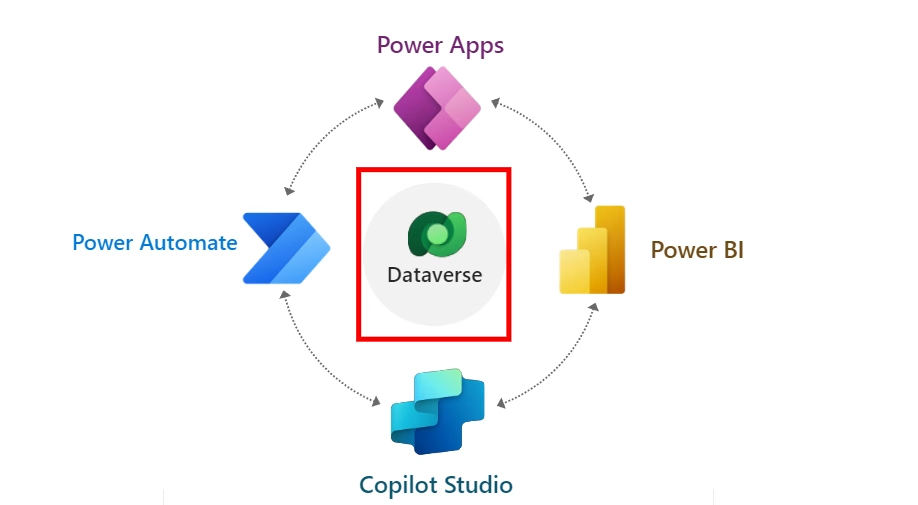
Dataverse is the native data source for Model-driven Apps and Power Pages, enabling the creation of robust, enterprise-grade solutions that can scale with complex, mission-critical business requirements.
Power Pages
When a solution needs to be directed towards external users, Power Pages (the successor to Power Apps Portals) comes in. This tool enables the rapid development of secure, responsive, and professional web systems. Its primary purpose is to provide external stakeholders, whether they are customers, partners, or suppliers; with secure access and the ability to interact with data.
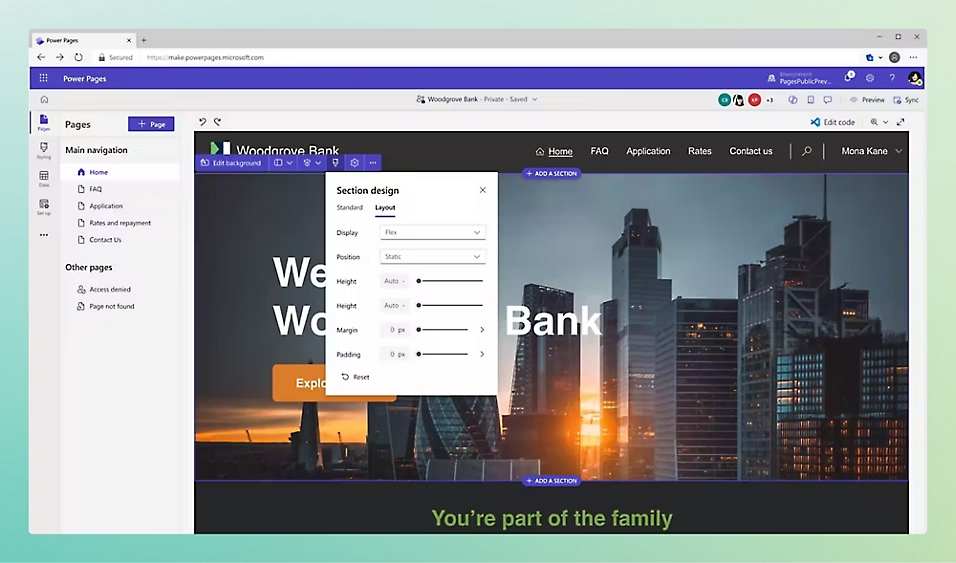
This makes it an ideal solution for B2B self-service portals, customer support systems (like logging service tickets), or any system that requires external login and interaction with your backend data.
Copilot Studio
Copilot Studio brings additional, transformational power to the entire platform. This tool allows organizations to design, build, test, and publish their own custom ‘copilots’ (intelligent assistants) without needing deep expertise in artificial intelligence.
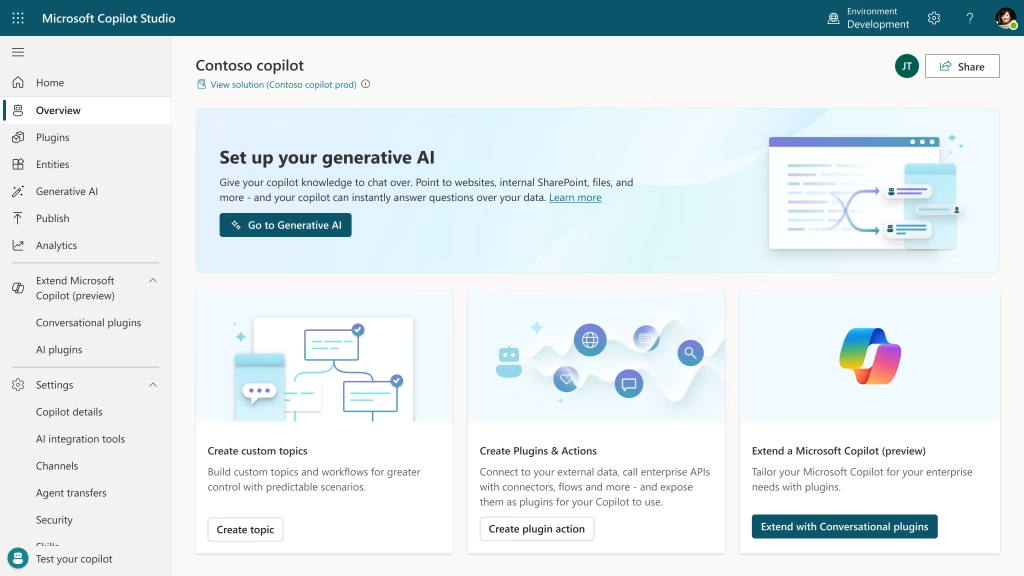
Using a low-code interface, you can create sophisticated conversational bots that not only answer questions but also take action. You can “ground” them in your own knowledge sources (like internal SharePoint sites, manuals, or websites) to provide precise answers. Most importantly, Copilot can be directly integrated with Power Automate, allowing it to execute complex tasks on behalf of the user (e.g., “Check the status of order X” or “Start the approval process for my vacation request”).
Microsoft SharePoint
While not technically a core component of the Power Platform itself, SharePoint Online is arguably one of its most critical and common partners. For many organizations, it serves as the go-to data source for applications and automations due to its widespread availability within Microsoft 365.
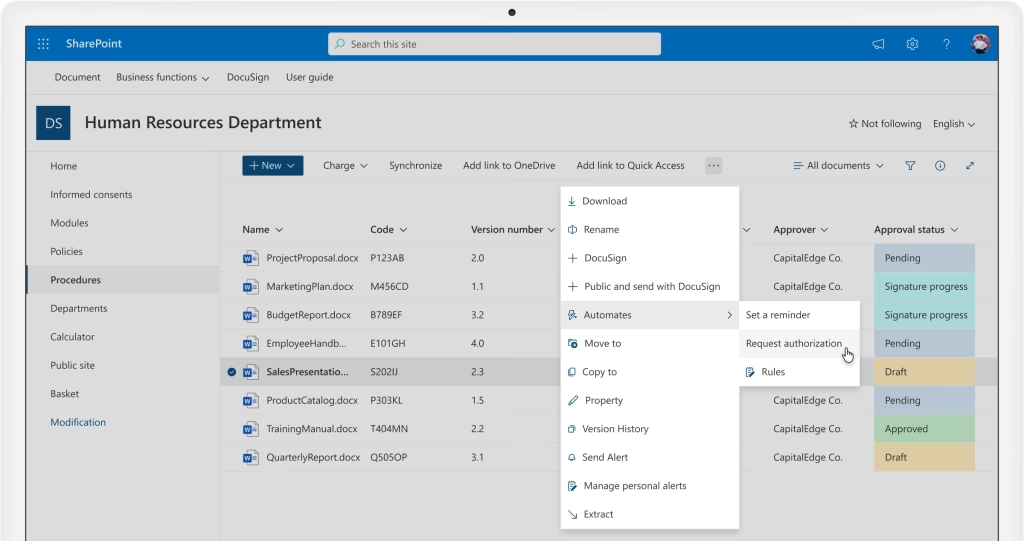
Power Apps can easily read from and write to SharePoint lists, which act as simple, flexible databases for a huge range of use cases (e.g., checklists, trackers, simple forms).
Similarly, Power Automate deeply integrates with SharePoint for document management (e.g., triggering approval flows when a file is modified) and list item automation, allowing teams to rapidly build solutions on top of their existing collaboration environment.
Common Misconceptions
- Myth: “Low-code means we no longer need an IT team or developers.” Reality: Incorrect. Low-code changes the role of IT: it empowers business users to solve simpler problems, while IT and developers focus on more complex tasks like platform governance, data architecture, and developing complex integrations.
- Myth: “Security is questionable.” Reality: Quite the opposite. The platform is built on the foundations of Microsoft Azure and Entra ID, offering granular (Role-Based Access Control) and security policies (DLP), giving administrators full control over access and data.
- Myth: “Low-code solutions are low-quality and not scalable.” Reality: Quality depends on governance, just as with traditional code. The platform supports full DevOps and ALM (Application Lifecycle Management) processes. Using Dataverse and standardized connectors ensures scalability and performance.
- Myth: “Our data is local (on-premise), so this isn’t for us.” Reality: The platform is designed for hybrid environments. By using an On-premise data gateway, the tools can securely access data located on your local servers (e.g., SQL Server) without requiring migration to the cloud.
