

Fiskalizacija 2.0: e-invoicing and preparing for 2027
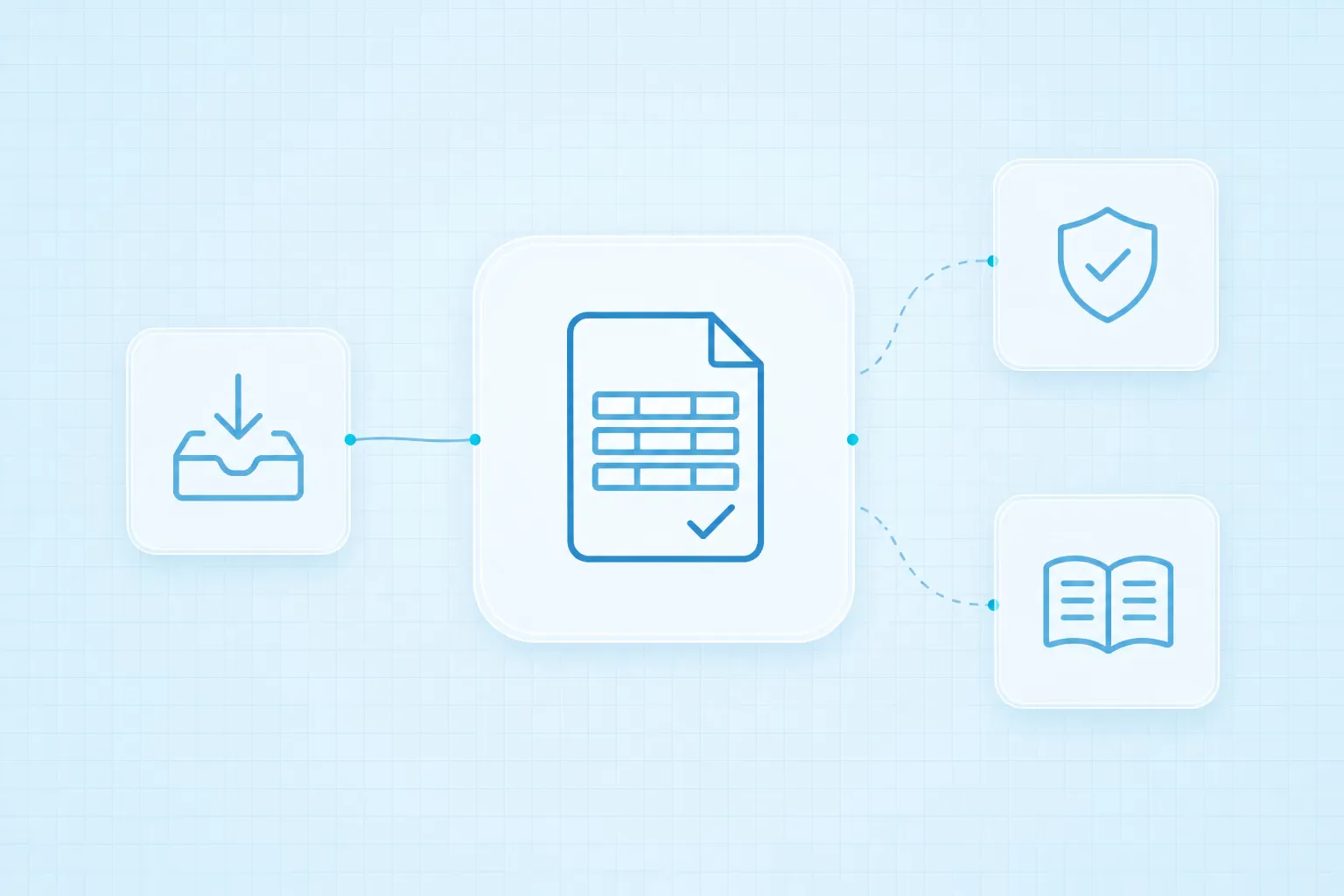
An invoice arrives electronically, yet someone still opens it, types its data into the accounting software and emails a colleague for approval. Delivery has changed; the work after receipt has stayed the same.
Fiskalizacija 2.0 is a useful reason to improve that part of the process, especially before the next phase starts on 1 January 2027. For a small company or sole trader in Croatia, it helps to separate two questions: how to meet the e-invoice exchange requirements, and how to reduce the manual work that follows.
What applies in 2026, and what changes in 2027
For domestic business transactions covered by the system, Croatia’s Tax Administration sets out two phases:
- From 1 January 2026, VAT-registered businesses issue, receive and fiscalise e-invoices. Covered taxpayers outside the VAT system receive them and fiscalise their receipt.
- From 1 January 2027, the obligation to issue e-invoices and fiscalise their issuance extends to covered taxpayers outside the VAT system.
This overview concerns business in Croatia. Check with your accountant which transactions are covered and which exceptions apply; consumer invoices and cross-border business are different cases from domestic B2B e-invoicing.
Why a PDF is not an e-invoice
An e-invoice contains structured data that software can process directly. A PDF presents an invoice to a person, but is not, by itself, a structured e-invoice. The Tax Administration’s guide explains this distinction.
For automation, that matters: supplier details, line items, amounts and dates are read from the e-invoice data. There is no need to turn the invoice into an image and ask AI to recognise information that already exists in fields.
If the same process also includes PDFs and scans that may lawfully be used, data extraction can be added for those documents. After reading, both routes can lead to the same business checks.
MIKROeRAČUN already supports issuing invoices
You do not have to wait until January to learn the tool. The Tax Administration enabled invoice issuance and fiscalisation of issued e-invoices in MIKROeRAČUN on 20 October 2026, ahead of the new obligation. Official instructions for issuing invoices are available too.
The free application is intended for eligible users who are outside the VAT system and are not public contracting authorities, subject to its terms of use. It is accessed through ePorezna; details are on the MIKROeRAČUN page.
If you handle few invoices and have a simple approval process, first check whether that solution meets your needs. An additional integration makes sense when it removes a specific bottleneck, such as retyping data into another program.
Where automation helps after receipt
Technical receipt of an invoice does not establish whether the goods arrived, whether the price matches the agreement or who should approve the cost. Those are separate business checks.
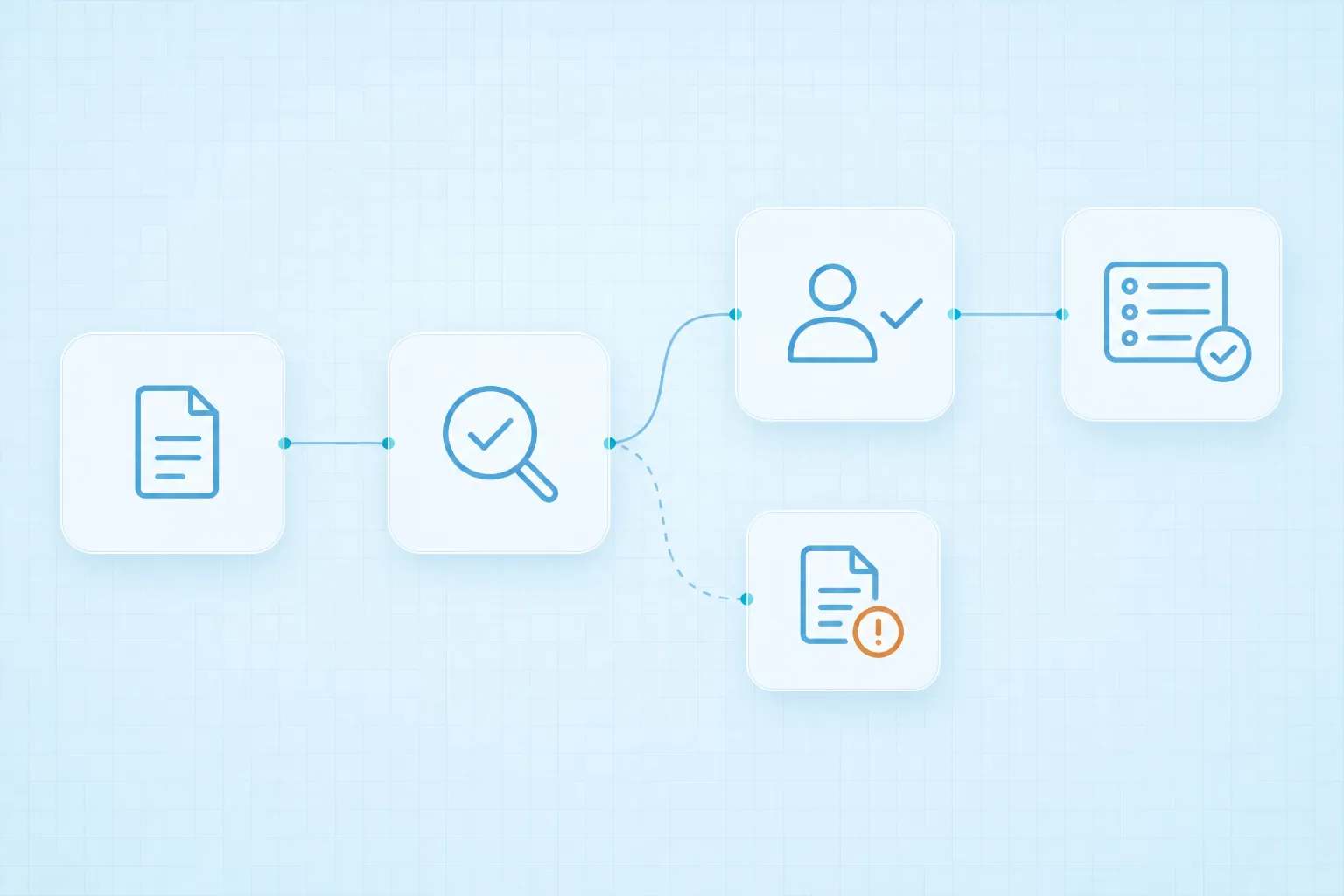
A useful workflow can connect these steps:
- Collect the invoice. From the e-invoicing service through an available integration or supported export, after checking the specific provider’s capabilities.
- Check the data. Is the supplier in the register, has the invoice already been processed and do its lines match the order or contract?
- Request approval. The responsible person receives the invoice and the context needed to decide, for example in Teams or by email.
- Pass the data to accounting. Approved data enters the existing program through an API, import or software robot, depending on the system.
- Keep a processing record. The original document retains its status, check results and approval record. Failed entries return for review.
Rules determine what can pass automatically. An unknown supplier, a possible duplicate or a difference from the order should have a reason for being stopped and a person responsible for resolving it. Retrying after an error must not create another entry.
Internal approval does not replace fiscalisation or statutory e-reporting, and must not delay their legal deadlines. Those parts are coordinated with the chosen e-invoicing solution and the accountant.
Example: an invoice that differs from the order
Imagine a small business buying office supplies. An e-invoice arrives from a known supplier, but the quantity on one line is higher than on the purchase order.
The automation reads the data and finds the order, but stops the transfer to the accounting software. The person who ordered the goods receives the invoice with the difference highlighted. They check whether the extra goods were actually ordered and delivered, then decide what happens next. Following that decision, processing continues or the invoice stays in the queue for resolution.
This is an illustrative example, not a client project result. The tolerances and approval responsibilities are agreed for your process.
What to check before the end of the year
- With your accountant: which new obligations apply to you from 2027, and who monitors their completion?
- In the e-invoicing solution: are receipt, issuance, fiscalisation and the required authorisations set up correctly?
- In the product and service register: are items linked to the appropriate current KPD classification codes? The Tax Administration’s e-invoice page also lists KPD changes taking effect in 2027.
- Within your team: who approves, who handles exceptions and who covers their absence?
- With a sample set of documents: what happens to a duplicate, an incorrect field or a failed entry into the accounting software?
Start with one group of incoming invoices. Record how many manual steps they need, where they wait for approval and how many need additional review. That gives you a basis for assessing the investment and comparing results later.
Our incoming invoice and eRačun processing page shows how we connect receipt, checks, approvals and entry into an existing system. If your invoices already arrive electronically but you still retype them, tell us how your process works.
Information from official sources checked on 6 November 2026.